Spectral delay
MULTIWAY
Split your sound into up to ten frequency bands and give each one its own delay time, left and right, with its own feedback. Every frequency takes its own path through time.
Pay what you want
on Gumroad · $0 is fine
Multiway
v1.1
Video
Watch on YouTube ↗
Features
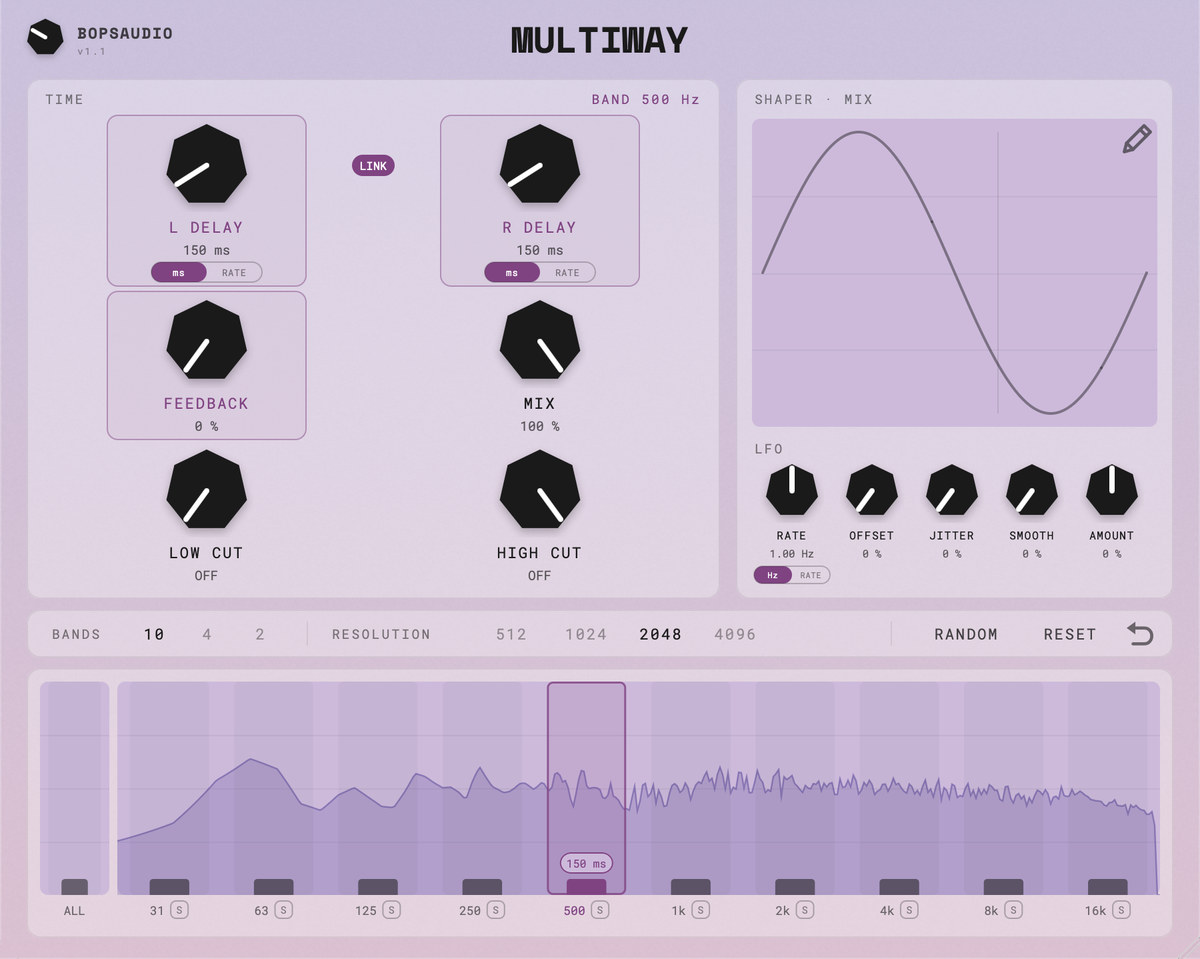
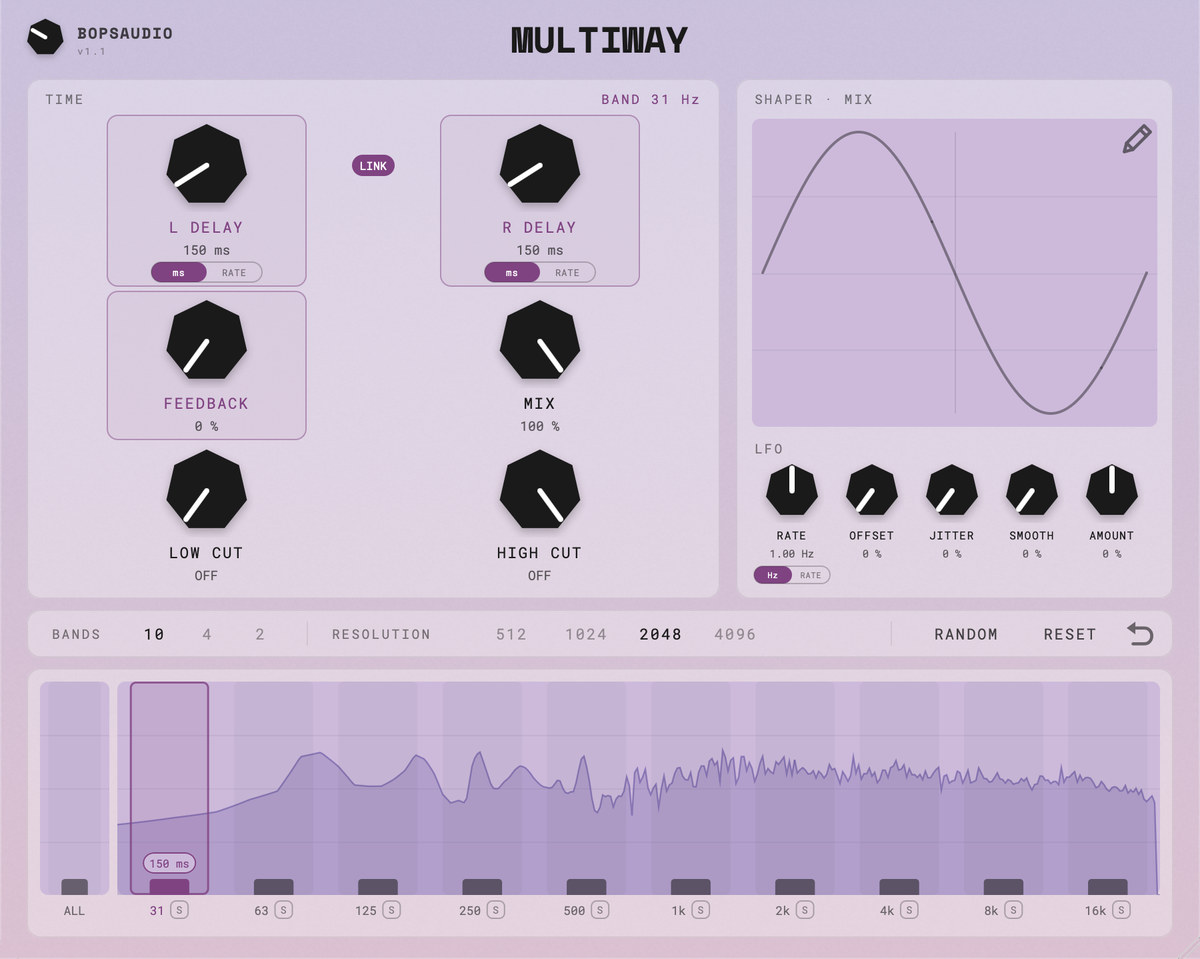
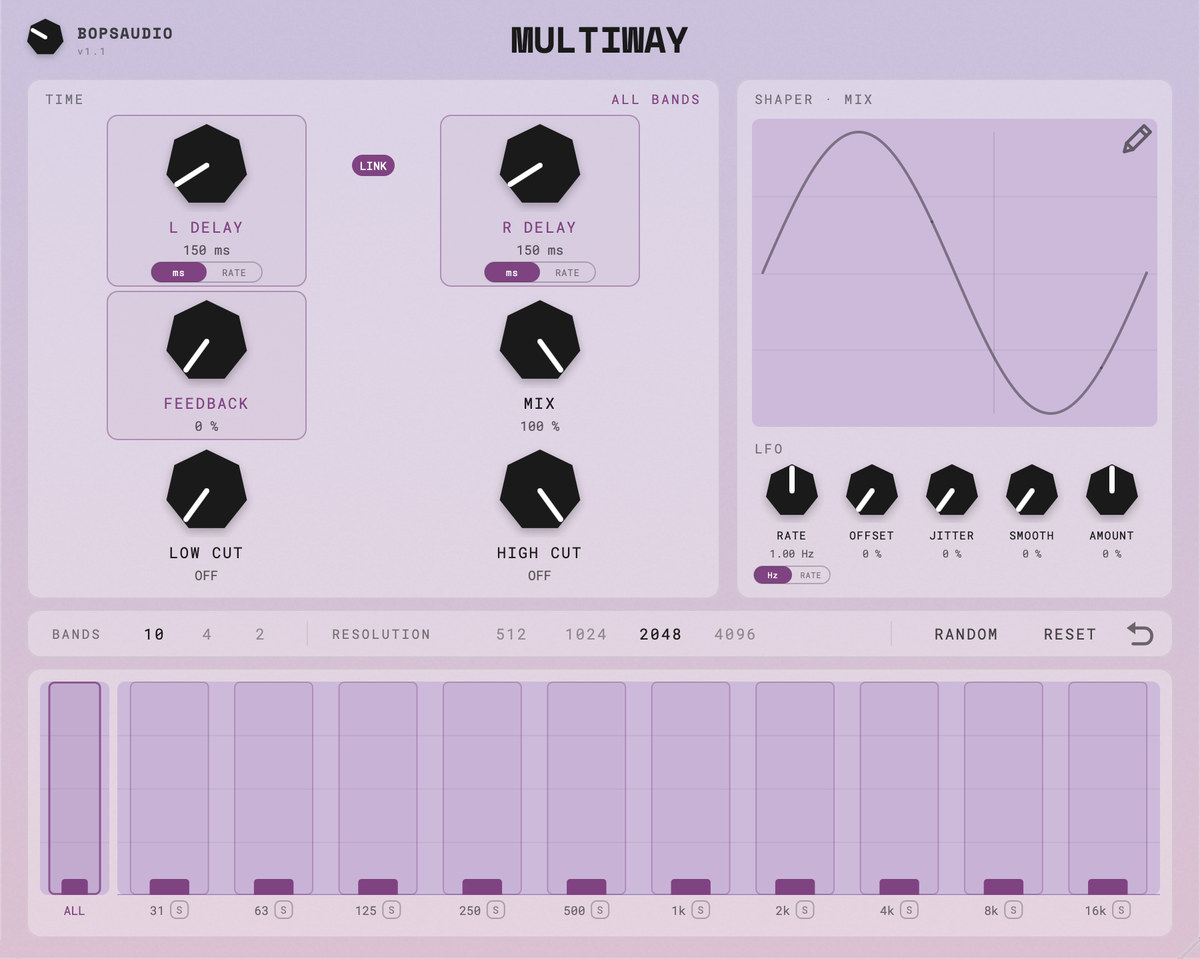
- 10, 4 or 2 frequency bands, from 31 Hz to 16 kHz
- Per-band left and right delay (0 to 2000 ms) and feedback (0 to 95 %)
- Tempo sync with note divisions from 1/64 to 1/1, separately for left and right
- Six LFOs with sine or hand-drawn shapes
- Selectable resolution: 512, 1024, 2048 or 4096 samples
- Live input spectrum with one draggable delay bar per band
- VST3, AU and Standalone
Controls
- L / R Delay set how late the selected band arrives on each side, in ms or as a note division.
- Feedback repeats the band’s delay.
- Mix blends the delayed signal with the dry one.
- Low / High Cut keep the lows or highs out of the delay and feedback.
- Shaper shows the LFO of the knob you click; the pencil draws your own shape.
- Random, Reset and one step of undo. S solos a band.
Details
- Formats
- macOS: VST3, AU, Standalone. Windows and Linux: VST3, Standalone
- System
- macOS 11 or later, Apple Silicon and Intel. Windows 10 or 11, 64-bit. Linux x86-64 with glibc 2.35 or later (Ubuntu 22.04, Debian 12 or newer)
- macOS
- Signed and notarized .pkg; choose which formats to install. Restart your DAW or rescan plug-ins afterwards.
- Windows
- Setup.exe installer (7 MB); installs the VST3 plugin and, optionally, the standalone app. The VST3 goes to C:\Program Files\Common Files\VST3; rescan plug-ins afterwards. Uninstall from Apps & features. If SmartScreen warns when you run the installer, click More info → Run anyway.
- Linux
- .tar.gz archive (5 MB) with the VST3 plugin and the standalone app. Copy Multiway.vst3 to ~/.vst3 and rescan plug-ins; run the standalone app from the extracted folder.
- Latency
- Equal to the selected resolution (2048 samples by default), reported to your DAW
- Version
- 1.1
- License
- AGPLv3
New to Multiway? The manual covers every control. Found a bug or have an idea? Tell me.
Read the manual Send feedback